Open by design: broncolor in third-party systems
In product photography, the image is the product – and more and more studios are producing those images at scale. Hundreds of items a day, identical angles, identical light, with as few manual steps as possible. Automation only works, however, if every component in the chain can talk to the others. That is why broncolor lights are designed to integrate into workflows and systems beyond our own.
Wireless control for the entire range
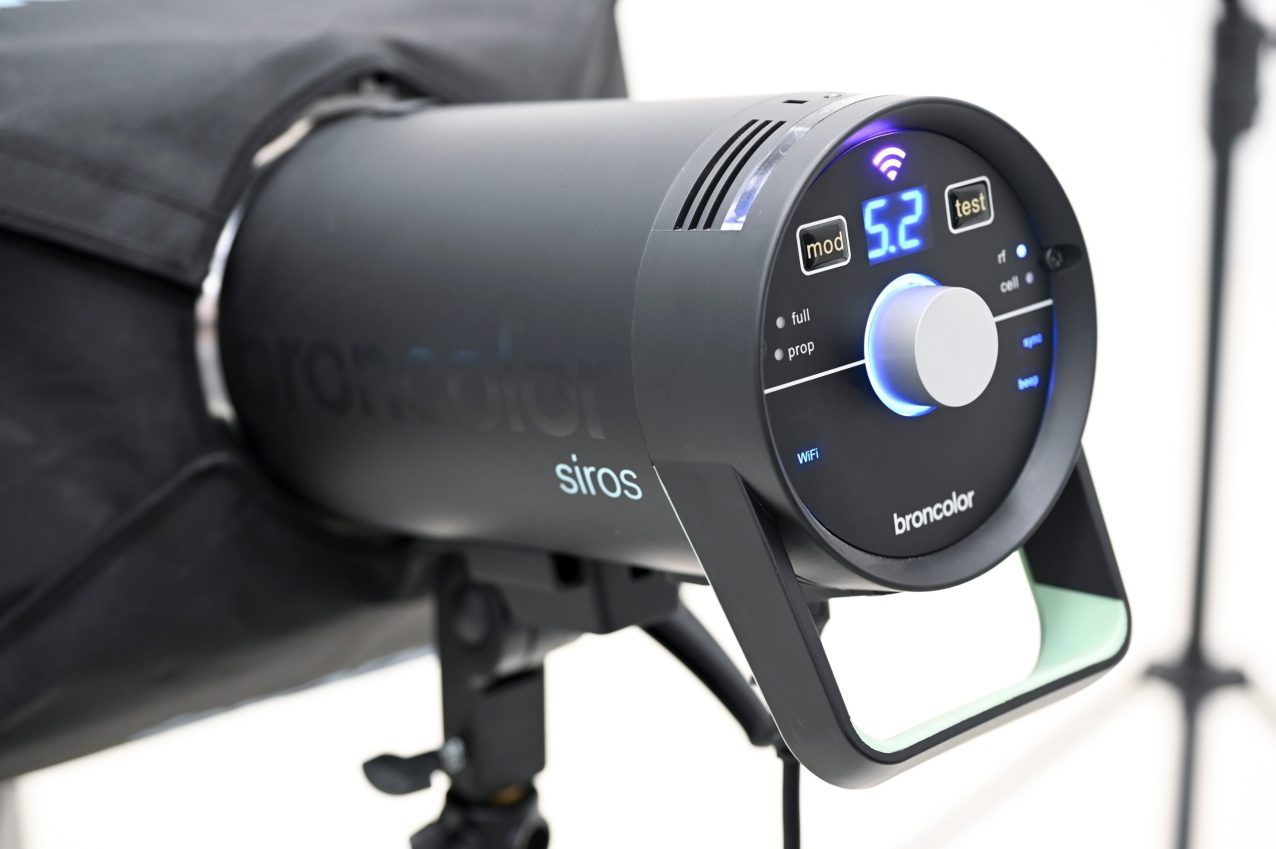
All current broncolor products can be controlled over the network with the free bronControl app – on Mac, PC, iOS and Android. Flash power, modelling light and all other settings can be adjusted remotely, so the complete set-up can be operated directly from the workstation.
An open interface for developers
For deeper integration, bronAPI gives software developers direct access to broncolor lights. The free Python interface runs on Windows, macOS, Linux and Android, addresses each light via its IP address and sets flash and continuous-light parameters through simple software commands – with consistent, highly reproducible colour. That makes broncolor a solid foundation for automated and semi-automated imaging: e-commerce and DAM systems, vehicle inspection stations, photo booths or inline image capture.
broncolor × Orbitvu: one system from capture to publication
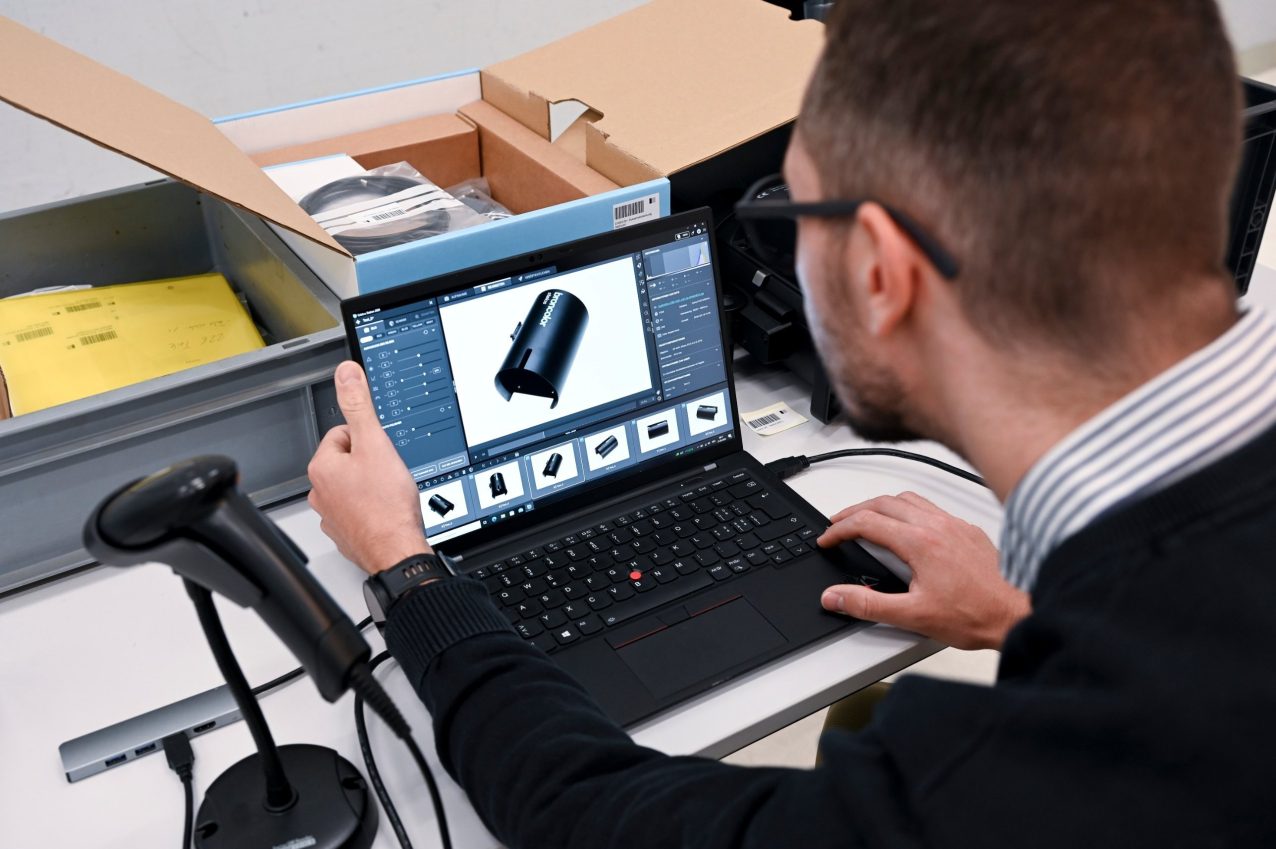
A strong example of what this openness makes possible is the new integration with Orbitvu. The company develops end-to-end systems for automated product photography – modular hardware such as turntables and motorised columns, the Orbitvu Station software and AI-based image processing. Since Orbitvu Station 26.1, broncolor Siros 400 S and Siros 800 S monolights can be controlled directly from the software.
Instead of two systems running side by side, the result is one integrated workflow: light, camera, turntable and post-production in a single, software-controlled sequence.
How it works
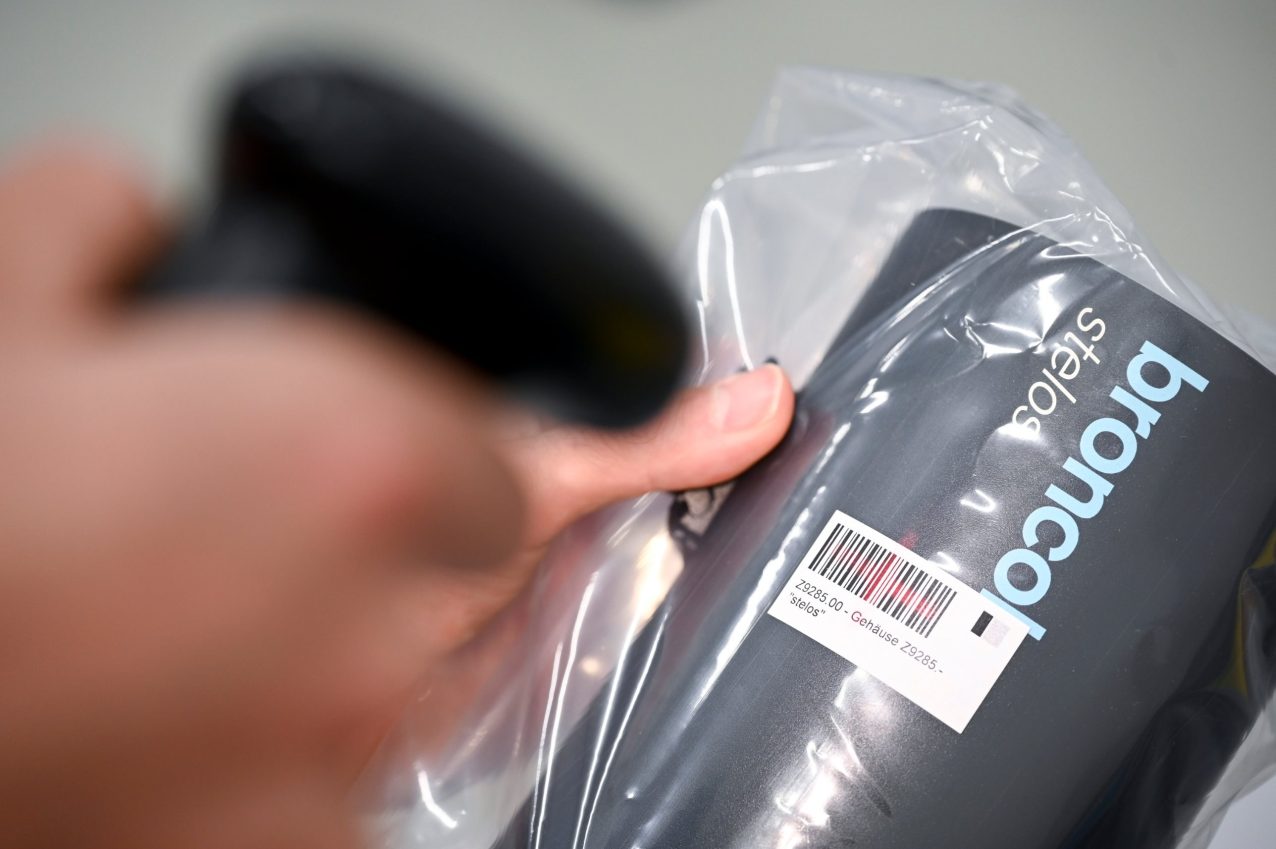
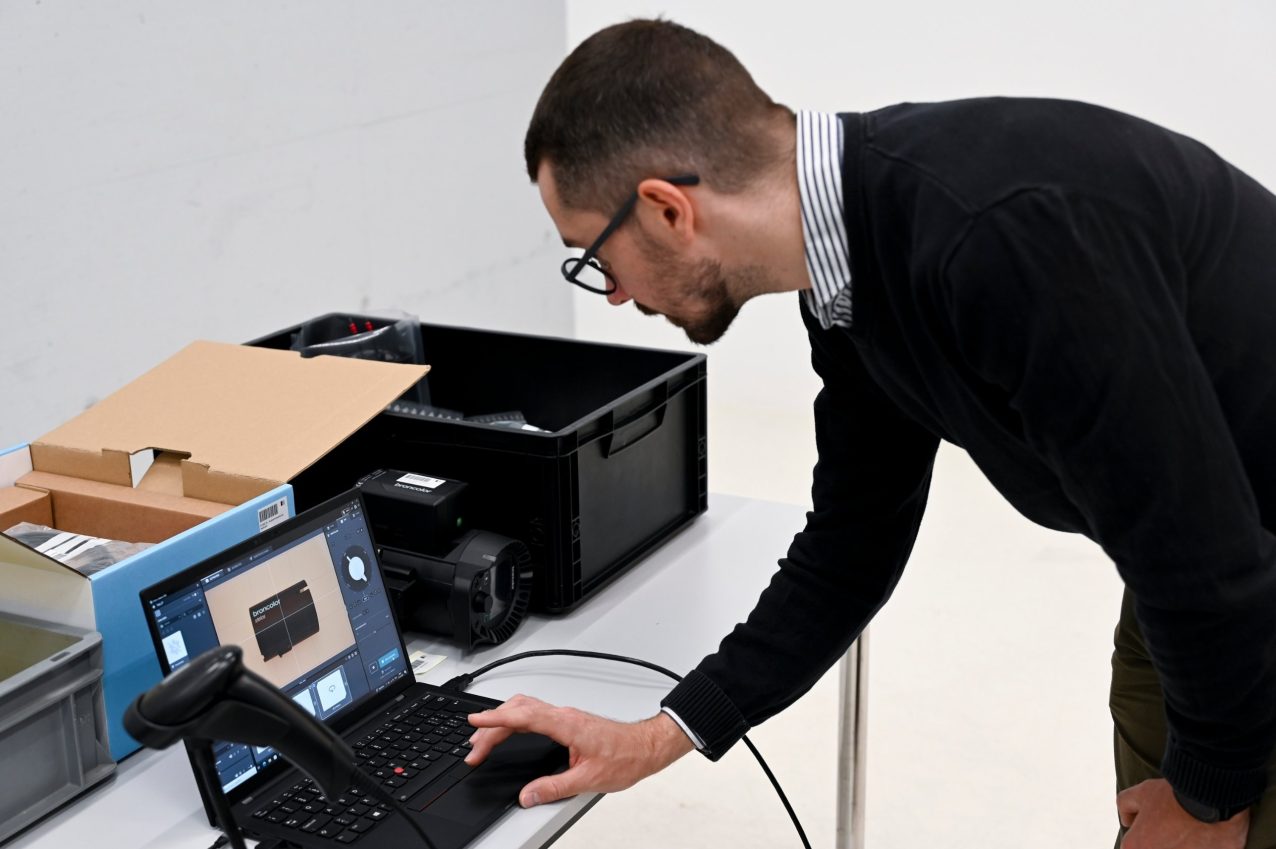
1. Connect: The Siros lights connect automatically to Orbitvu Station via WiFi and are recognised by the software. One-time set-up, permanently saved.
2. Configure: Set light power, aperture, rotation and focus mode once and save them as a template – ready to recall for every new product.
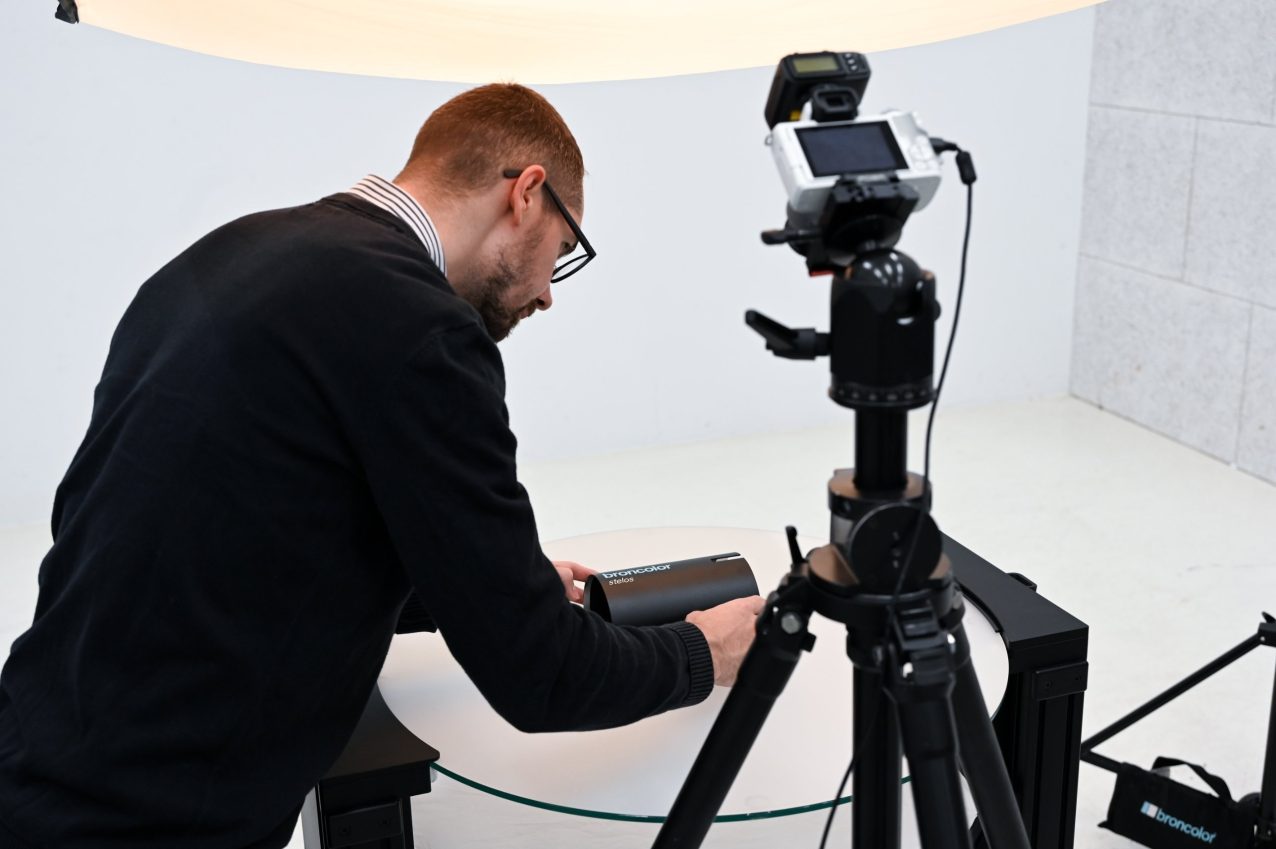
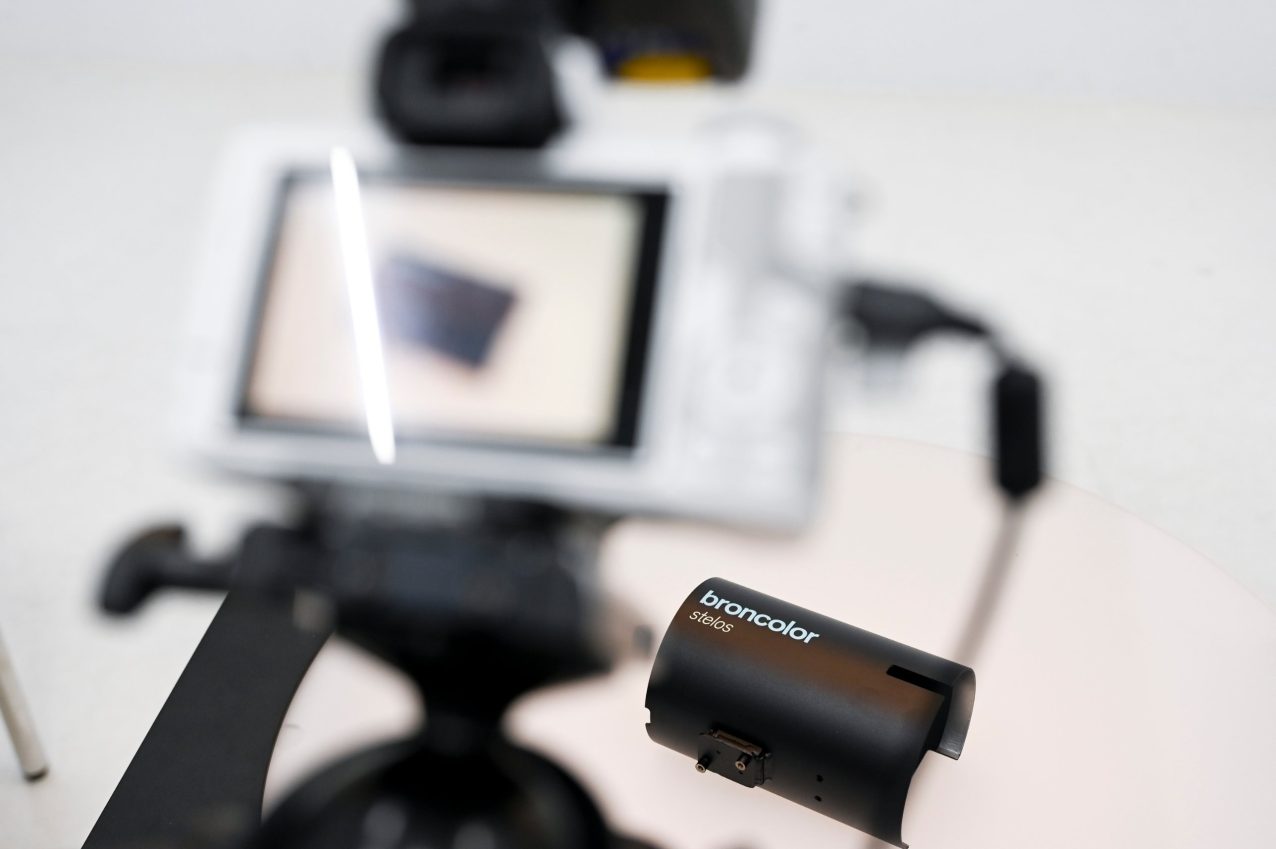
3. Capture: The turntable rotates, the camera fires the broncolor flashes and the image is captured – synchronised and identical from every angle, for stills, 360° spins and video.
4. Process: AI tools are used where they genuinely help: AI OCR extracts product data, AI Masking removes the background and the AI Retoucher refines the image without losing touch with reality.
5. Publish: The finished images are exported automatically to the chosen PIM, DAM, marketplace or e-commerce platform in a single pass.
The recommended light set-up
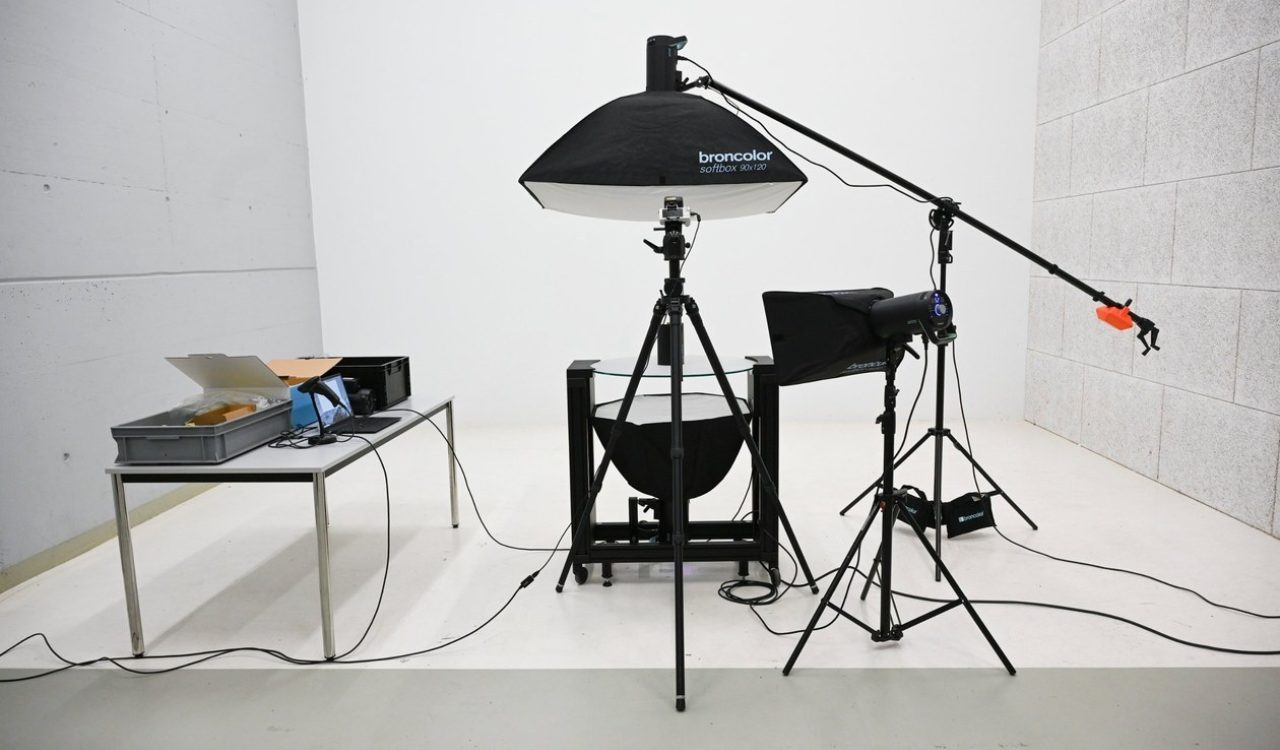
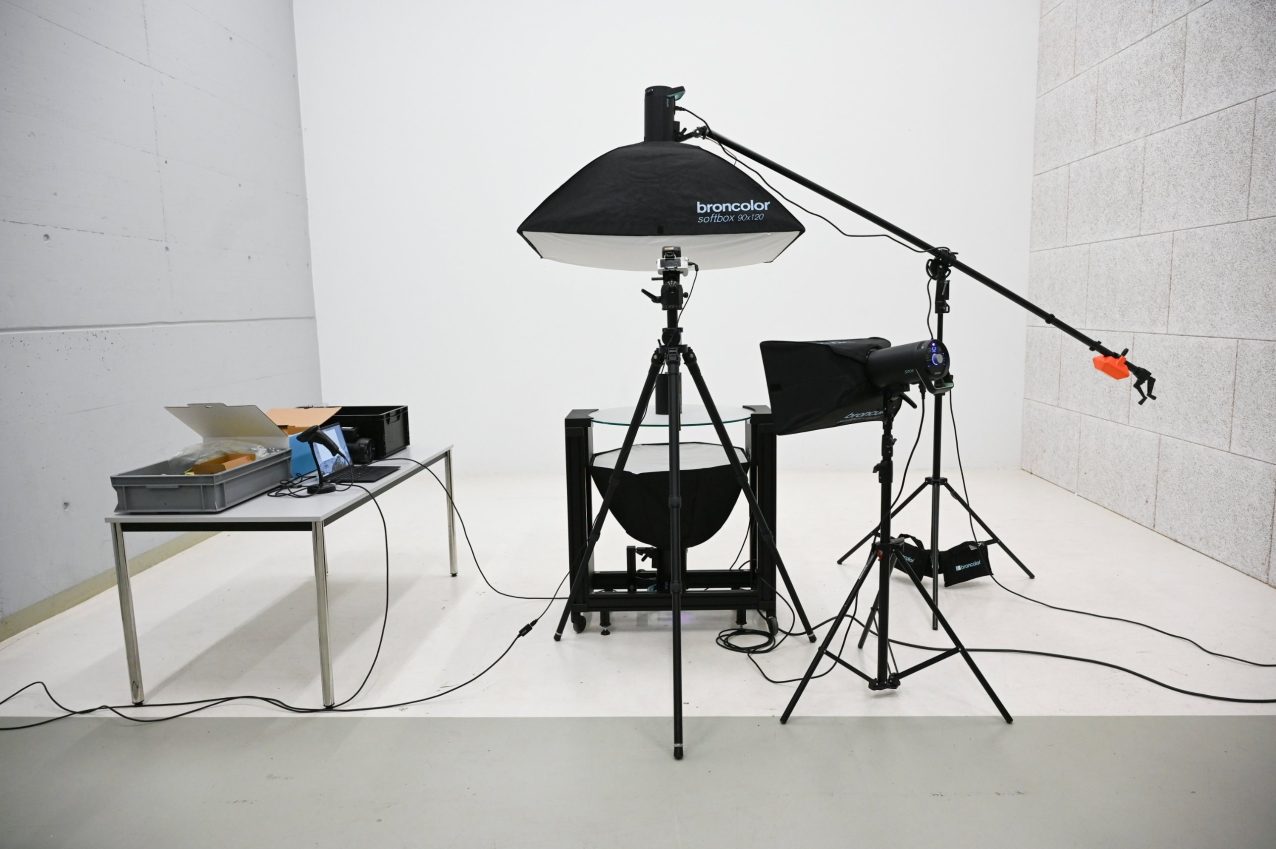
For the Flash-Lit Turntable – a 70 cm glass turntable for loads up to 20 kg with built-in flash mounts – Orbitvu and broncolor recommend a three-light set-up:
• Main light: Siros 800 S with a 90 × 120 cm softbox, positioned above and slightly behind the turntable for soft, even light on matte and glossy materials alike.
• Background light: Siros 400 S with a 75 cm Octabox underneath the glass turntable. It creates a clean, bright stage and serves as the reference for Orbitvu’s IQ Mask background removal – transparent objects keep crisp contours.
• Top light: Siros 800 S with a softbox to add depth and controlled highlights throughout the rotation.
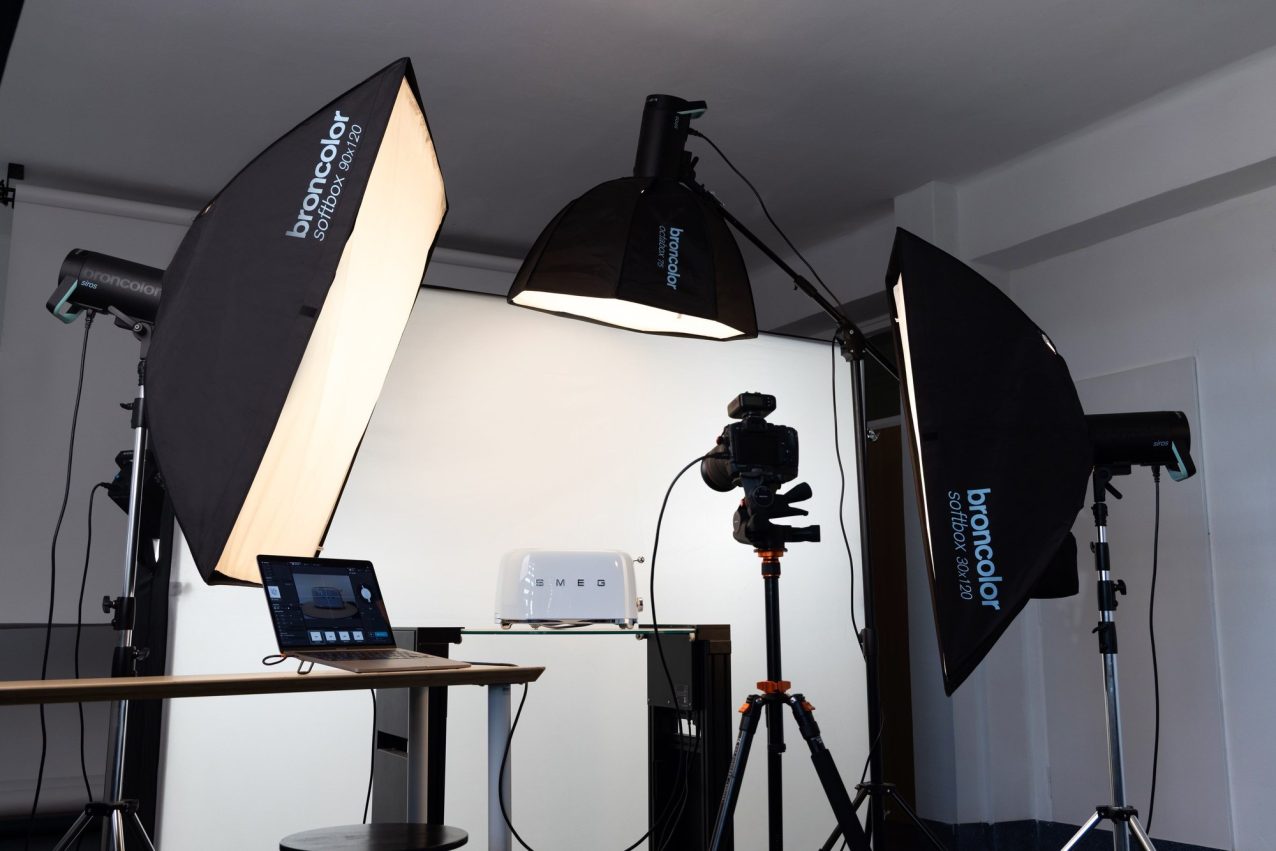
According to Orbitvu, such a set-up allows studios to photograph around 100 products per day, with an average cost reduction of 70 % and practically no additional post-production time.
Compatibility at a glance
• broncolor flashes: Siros 400 S, Siros 800 S
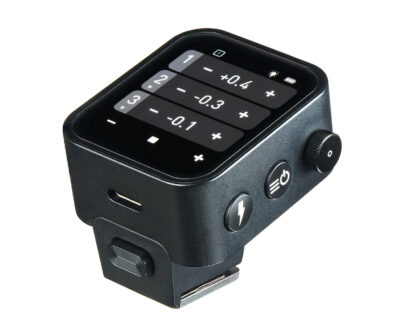
• Triggers: RFS 2.1, RFS 2.2, RFS 3
• Pairing: WiFi 2.4 GHz, same subnet
• Cameras: Canon mirrorless and DSLR
• Software: Orbitvu Station 26.1 or later
• Operating systems: macOS Tahoe 26 and Sequoia 15, Windows 10/11 (64-bit)
• Formats: JPEG and RAW (with Capture One integration)
• Content types: Still images, 360° spins, video
Keep your light, automate the rest: you can test the Orbitvu Station software for free on the Orbitvu marketplace. Studios in Germany can find more information and personal advice on the joint bronkobold × Orbitvu landing page.
Build your own integration with bronAPI
Orbitvu is one example – your workflow may need something entirely different. Whether you are building an automated product studio, an inspection station or a photo booth, bronAPI gives you direct software access to broncolor lights. The interface is free of charge; all you need is a short registration.